Login loops back to the start
Record the redirect and clear only that site's session data before one clean retry.
account access
This guide begins after the route or app opens and an account action is visible.
focused answer
Read the final host and connection state, then distinguish login, new account and recovery. This guide does not assume which phone, email or code method is available.
problem details
Download and Android package problems belong in Install Fix, not on the account path.
Record the redirect and clear only that site's session data before one clean retry.
Do not use contact details copied from an unverified page; return to the confirmed route.
Never share a password or one-time code. Keep only the non-sensitive error wording.
related help
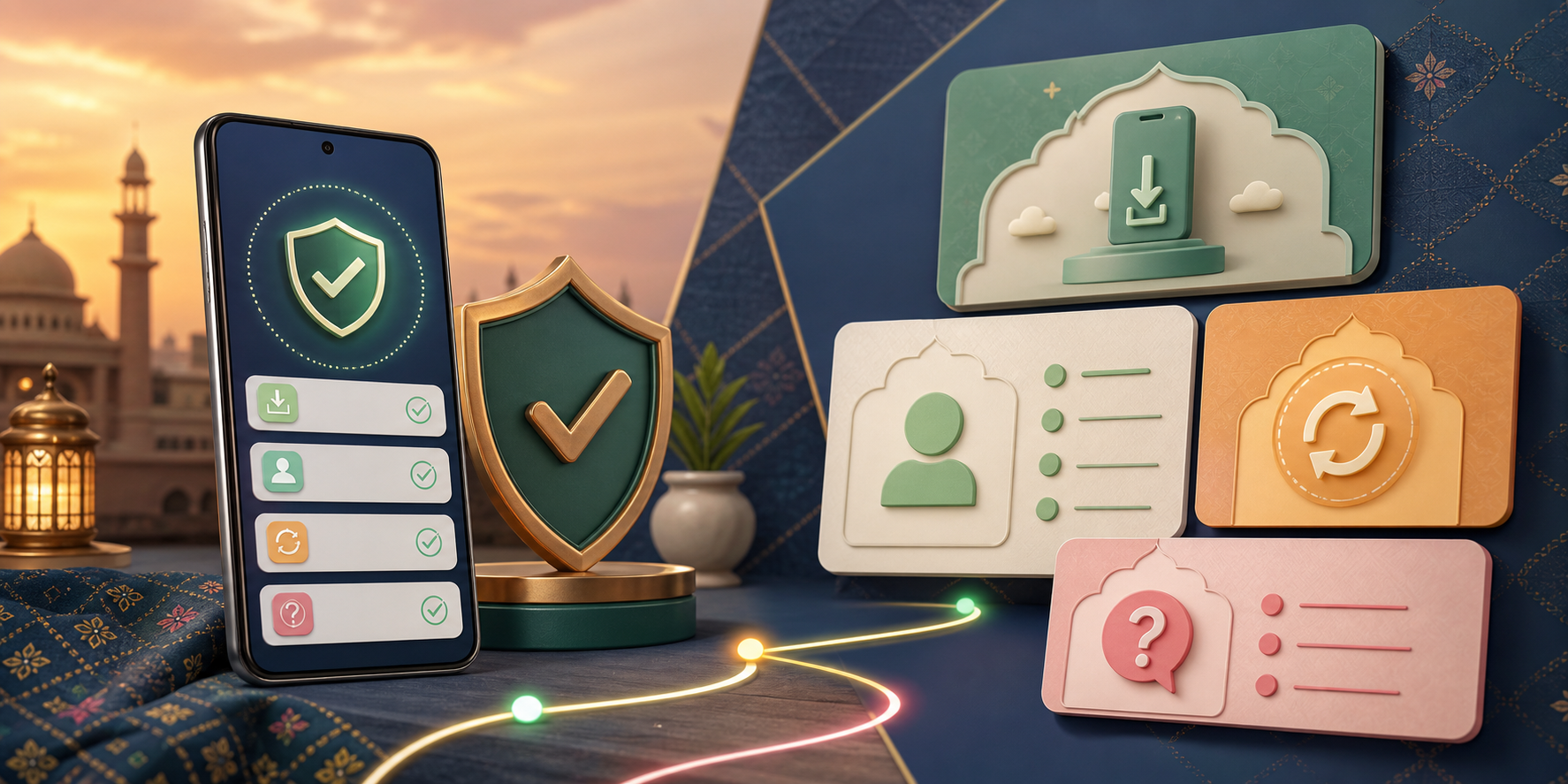
Answer four quick questions before changing browser, device or account settings.
Use the exact Android message to choose a fix; do not repeatedly download a file when the problem is at the installation stage.
Use these short answers to choose the correct WE999 guide without mixing route, device and account problems.
This page records observable guide or route changes and leaves unknown app details unclaimed.
Reviewed 9 August 2026. This independent guide separates confirmed observations from unverified version, package, payment and promotion details.